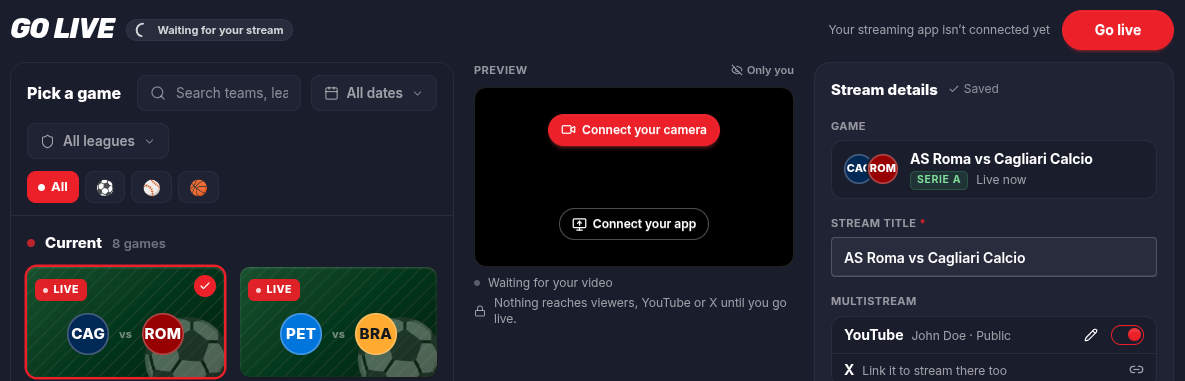
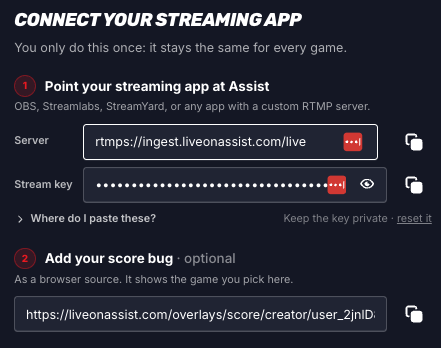
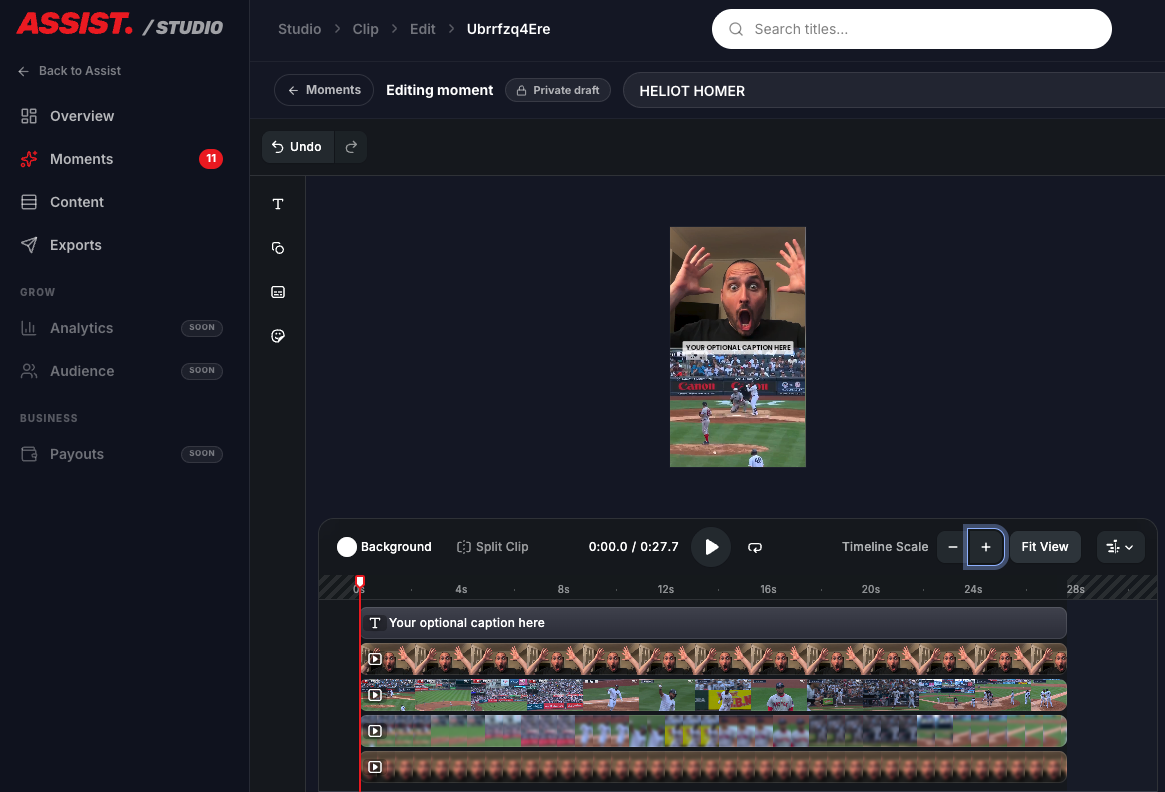
You Asked. We Built. What’s Next? 🚀
You asked for better tools to create, edit, and share your best sports moments. We’ve been listening.
We’ve rolled out five major upgrades to the Assist Studio—all inspired by your feedback.
Here’s what’s new 👇
☁️ 1. Faster, Easier Video Processing
We’ve moved video rendering to the cloud!
Your videos are now processed on our servers instead of your computer, making it easier and more reliable to create clips without putting the workload on your device.
Less waiting. Less hassle. More clipping.
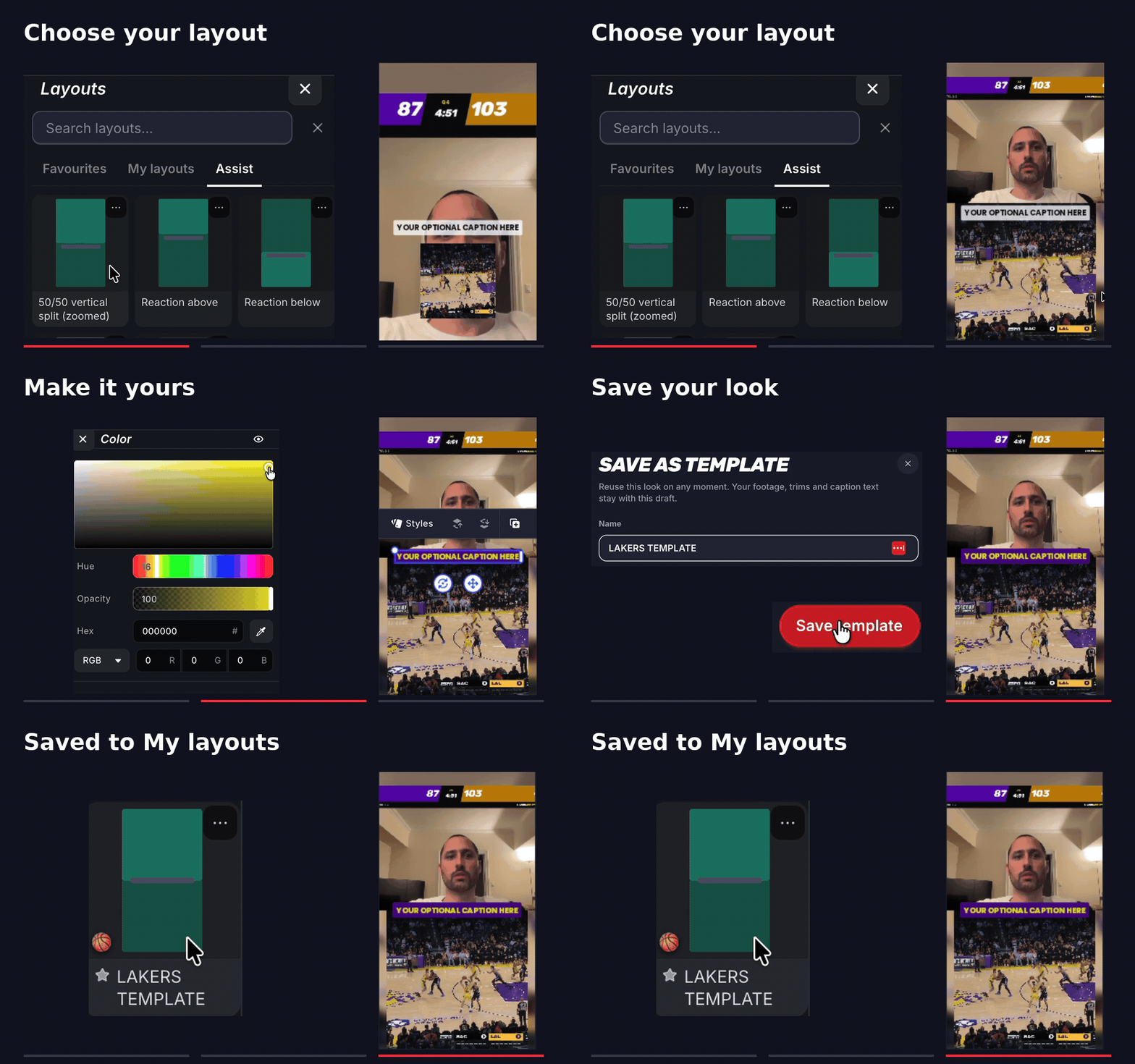
🎨 2. Create Your Signature Look with Layouts
Stop rebuilding the same design for every video.
Customize your layouts, save your favorites, and reuse them to keep your content looking consistent, professional, and unmistakably yours.
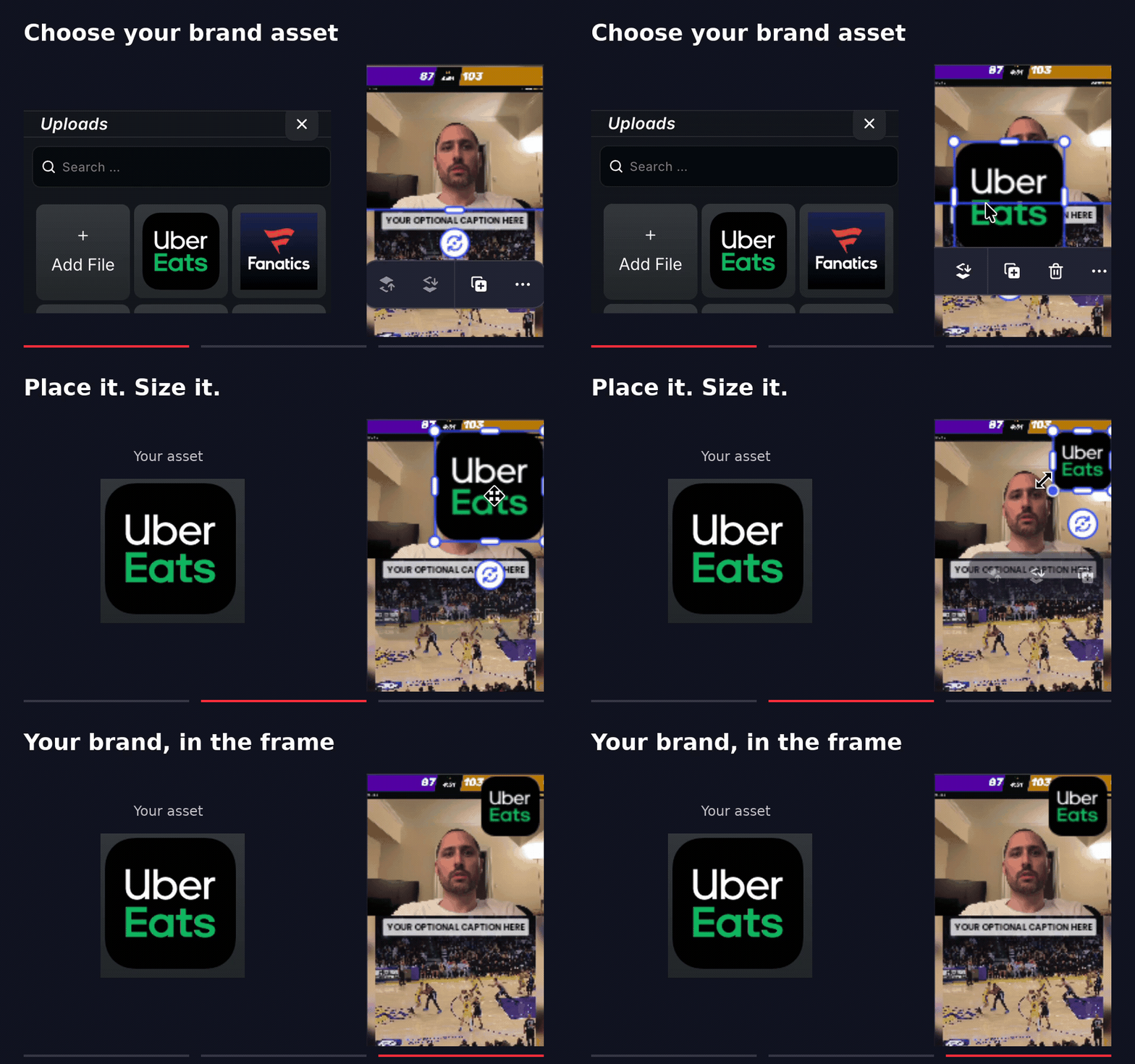
📸 3. Make It Yours with Uploads
Your content. Your branding.
Upload your own images and videos directly into Studio to add personality, context, and creativity to your clips.
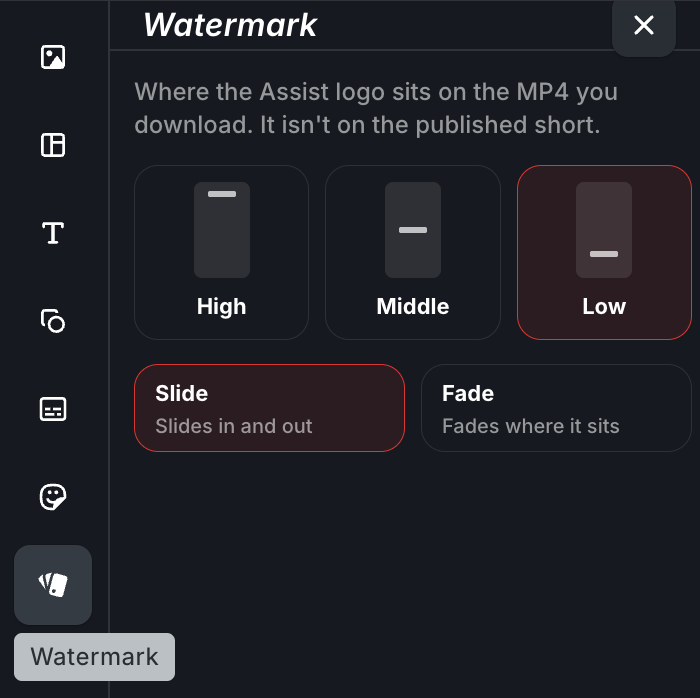
💧 4. Customize The Watermark
Exported clips include our watermark. Adjust its position so it doesn’t cover the action or other important parts of your video.
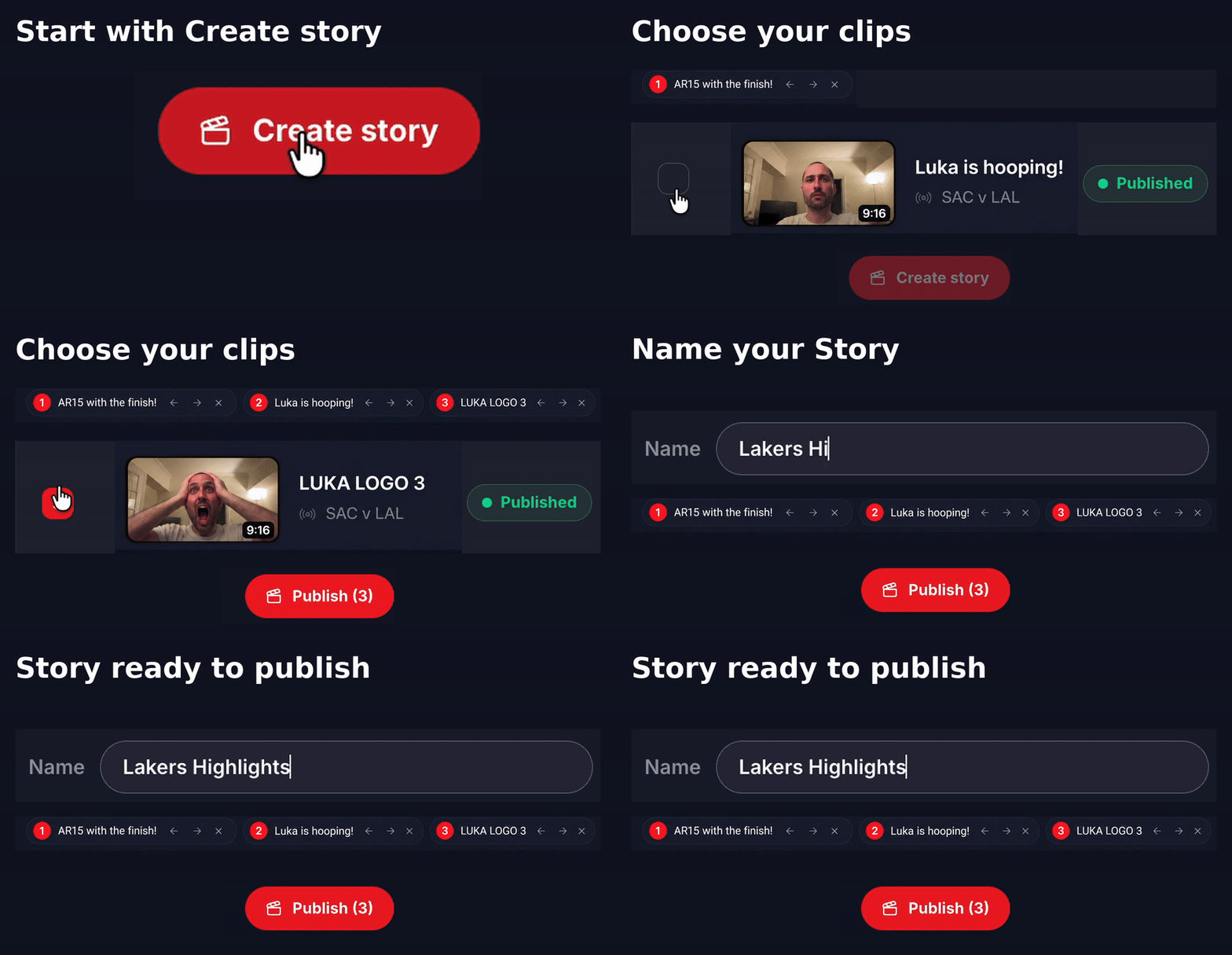
🎬 5. Turn Your Shorts into Stories
Why post one highlight when you can combine your best moments?
Stitch multiple Shorts together into a single video—perfect for game recaps, highlight compilations, or your best reactions on Instagram and TikTok, like @rossitakes.
How: Head to Content → Create Story, select your Shorts, arrange them in the order you want, and combine them into one video.
Keep clipping. Keep creating. Keep the feedback coming.